
Publishing
Publishing allows you to share Studios with anyone on the internet or inside your organization.
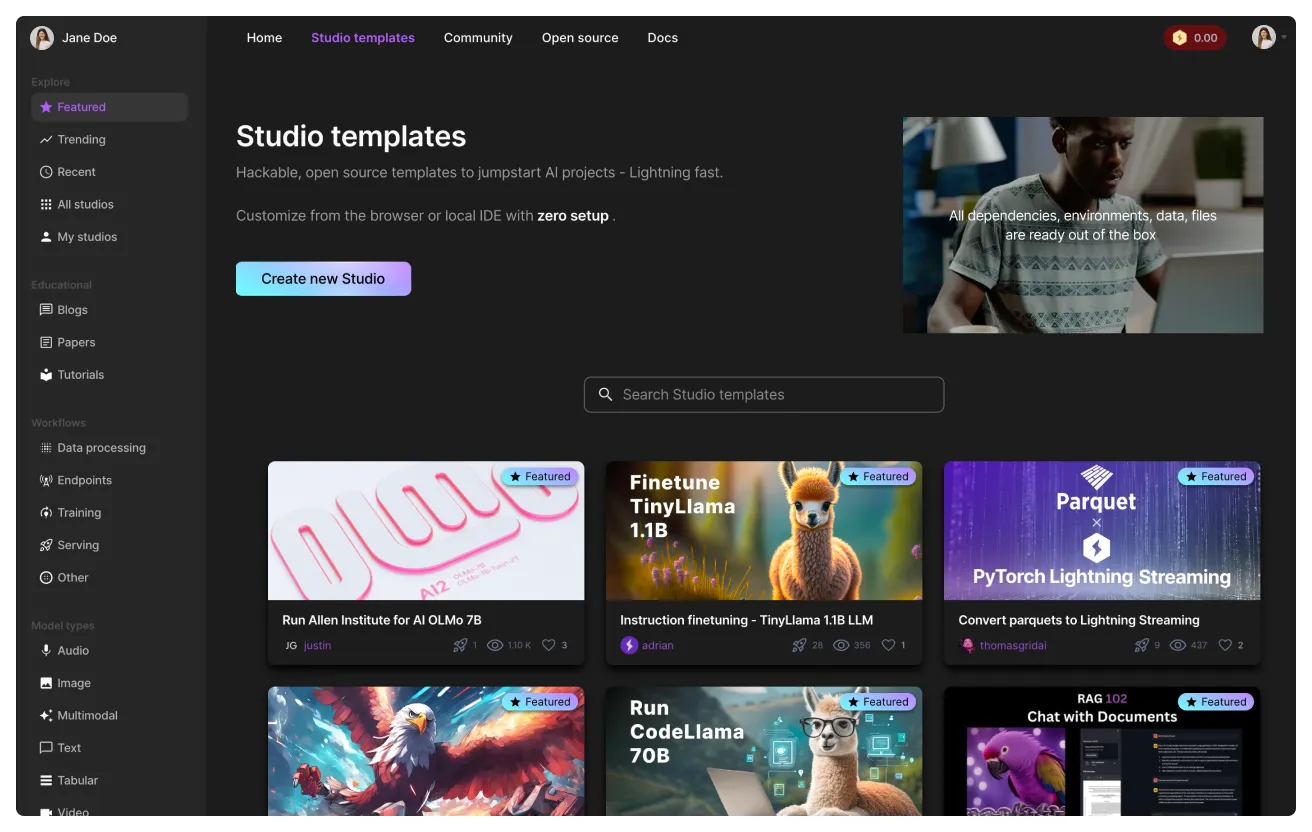
What is publishing
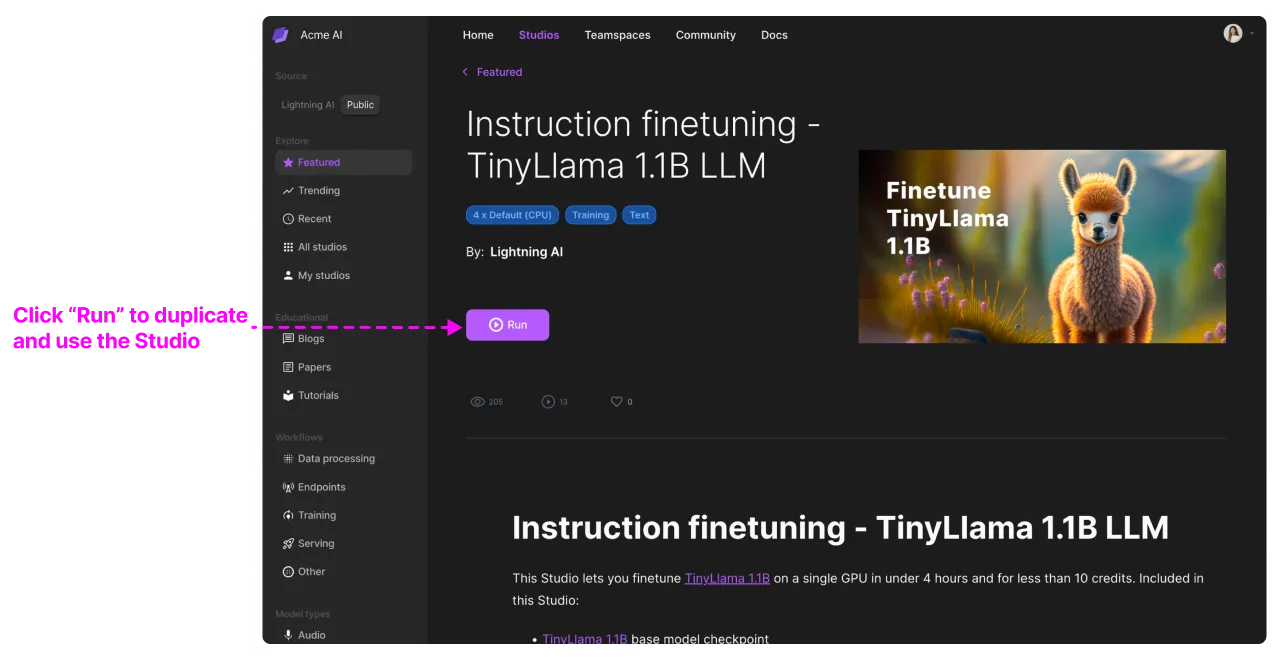
A published Studio can be duplicated by a user in a few minutes. Duplicating a Studio will create an exact copy of the environment including all dependencies, files, and data. A user who duplicates will not need to install anything; everything will just work out of the box.
How to duplicate a studio to your Lightning AI account.
How to publish
To publish a Studio, press "publish" at the top right of the Studio and follow the instructions. To make it public to everyone on the internet, choose "Lightning community". Otherwise, choose the organization you'd like to publish to. Only members of this organization will be able to view and duplicate the Studio.
Publish to the internal library to share Studio templates.
Sharing on Github
You can also generate an "Open in Studio" Github badge to share with a wider audience. Publish your Studio and generate a badge on the Studio detail page in the community.
Publish your studio to generate a badge to embed on GitHub and more.
Hiding files
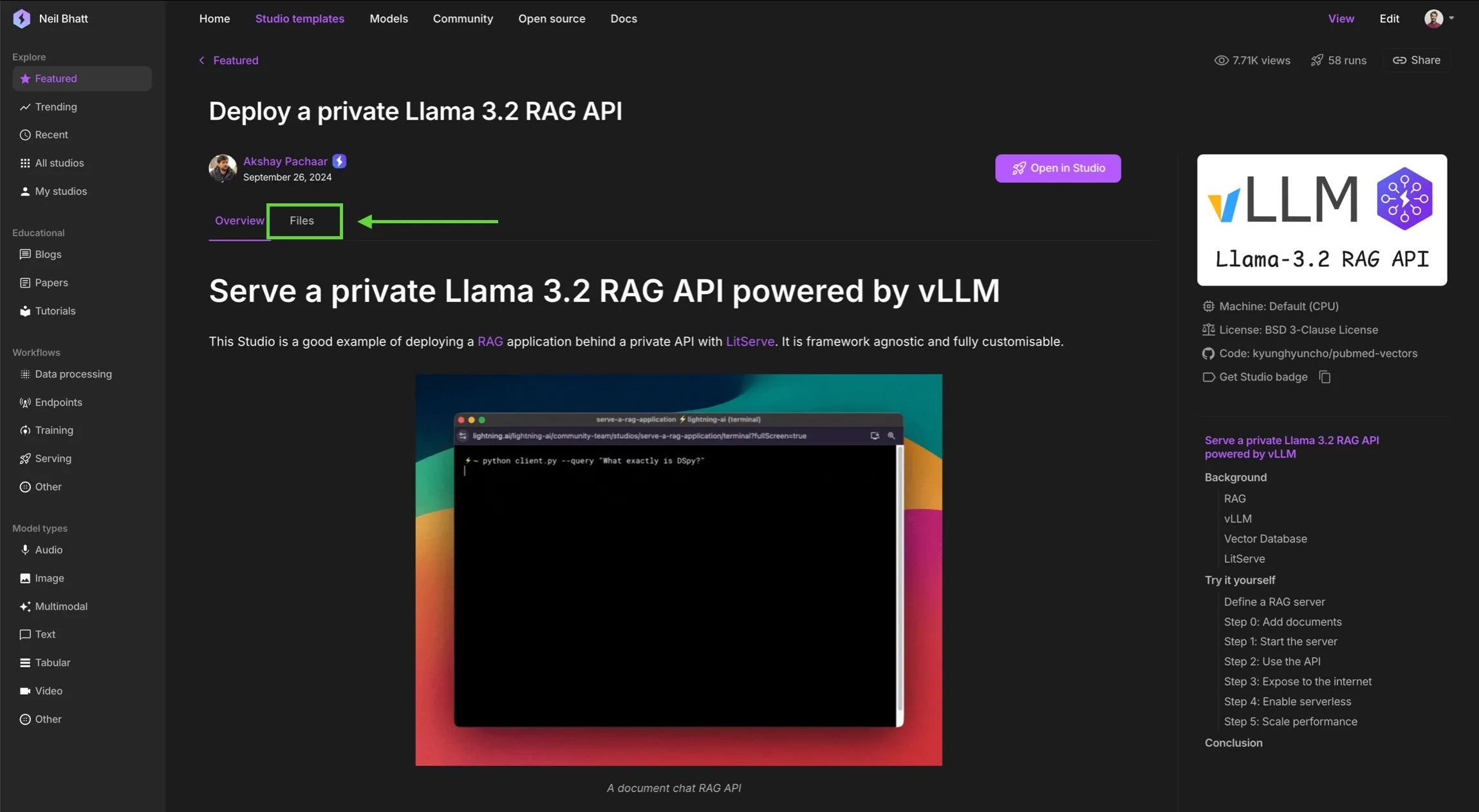
When you publish a Studio, you will also publish all the data that is in that Studio. By default, the community will be able to browse those files directly from the Studio template page. Toggle "Hide files" on to disable this for a cleaner landing page.
Advantages
Share reproducible AI systems
The main use case for publishing is to share end-to-end, reproducible AI systems. Sharing a Github repo and a docker file is usually not enough. There are a lot of nuances related to AI development such as access to the data, special build steps for libraries like CUDA, or even environment variables that must be set for AI systems to be reproducible.
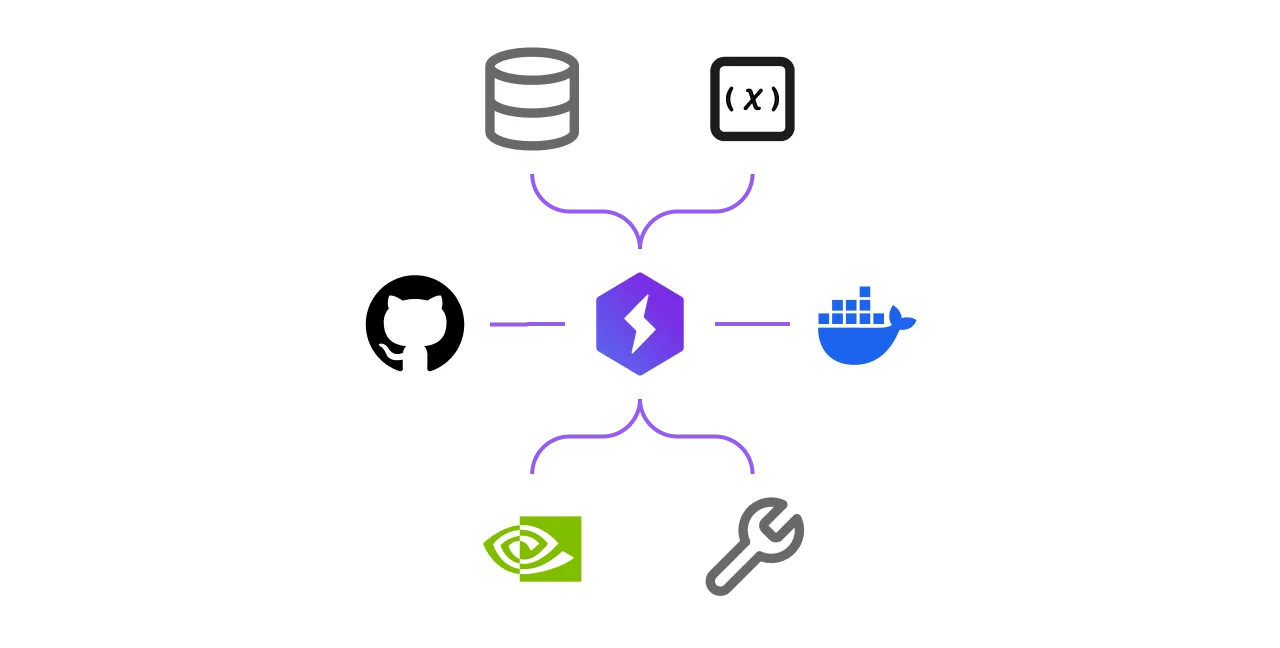
Published Studios allow the user who duplicates to get an exact copy of all environment details including, code, data, environment variables, machine specs, and even the cluster specs. For example, if you duplicate this Studio, it will have everything needed to pretrain a model on 64+ GPUs.
Onboard new developers
One use case for publishing is to onboard new team members. We recommend that organizations create a library of published Studios that new members can duplicate to immediately get up and running. This can cut onboarding times from weeks to hours.
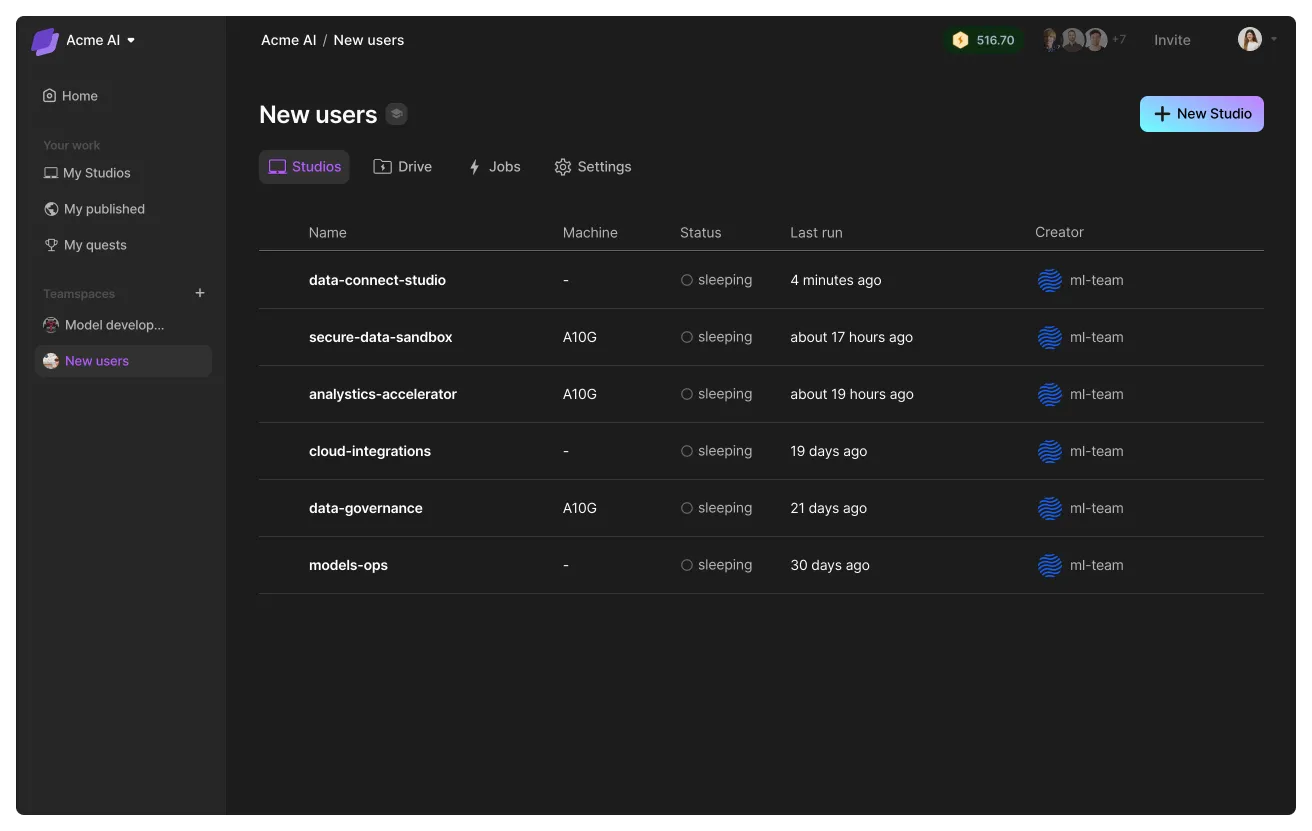
Build a private Studio library
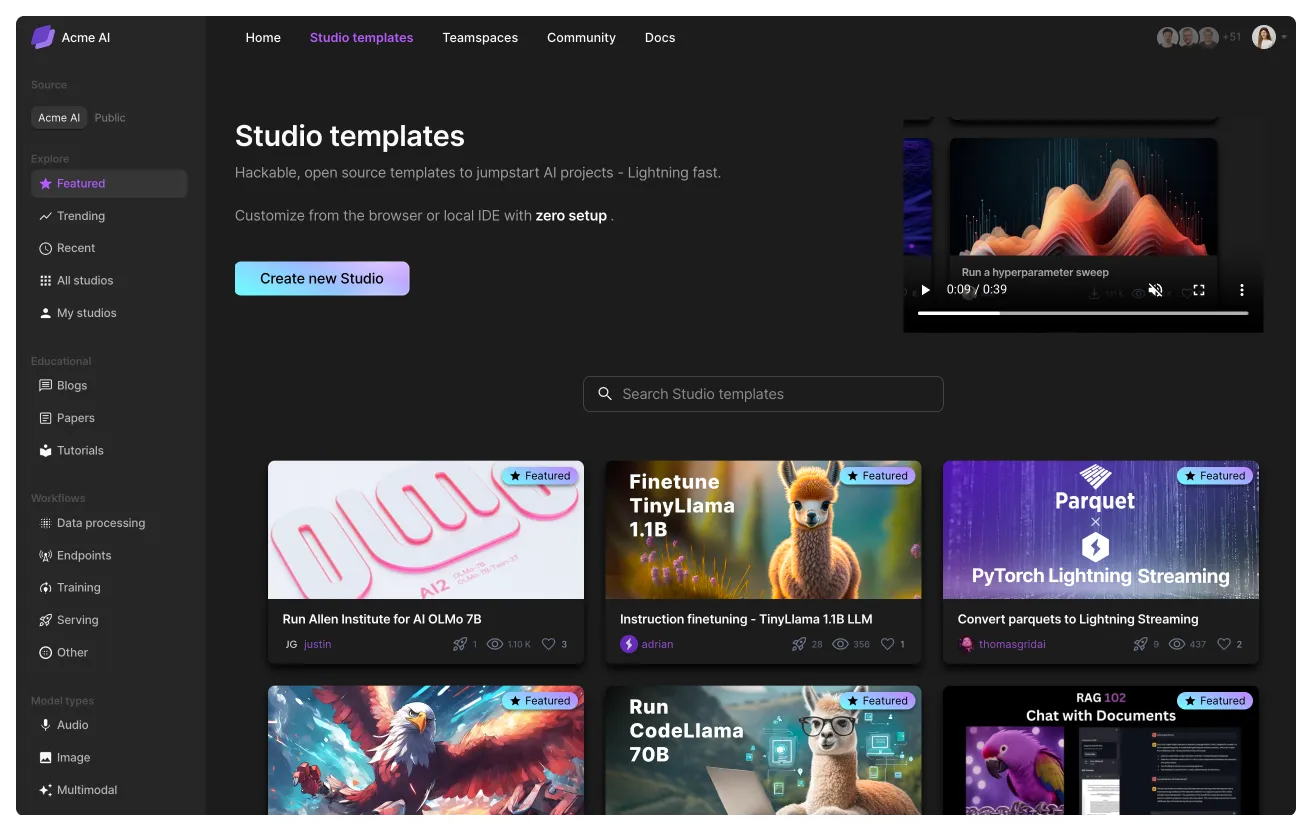
Organizations can create an internal library of Studios that are visible to all organization members. Use this to share models, datasets, reproducible AI systems, and more.
Use case for consultants
Published Studios are a simple way to deliver POCs (proof of concepts) or finished projects to customers. Simply build a Studio, publish it and have the customer duplicate it into their Lightning AI account and run on their private VPC.
Share a Studio as a POC with clients.
Publishing vs GitHub
The traditional way to ask people to reproduce something is to send a GitHub link, a docker image and requirements to install. Even then, it is highly likely the person won't be able to get whatever you sent them working.
Studios solve this problem. To share something you are working on, simply publish the Studio and share the link with the other person. They just need to run the published Studio. In a few minutes they'll have a fully working version of what you wanted to share.
A published Studio remembers the environment, installed packages, code, data and everything needed to reproduce an environment. For the code, we still recommend you use GitHub. Duplicated Studios will automatically bring the GitHub repo but remove all credentials or rights to commit. So, the person duplicating the Studio must have the ability to work on that GitHub repo.
Was this page helpful?
Thanks for the feedback.