
Model APIs
Add AI to your apps instantly with model APIs. Send a simple web request to a model and only pay for the tokens you use. Users get up to 40 million free tokens to start.
First, install litAI (or use the OpenAI Python SDK if you prefer).
pip install litaiNow add this to your code which will call the model (make sure you get your API key here).
from litai import LLM
llm = LLM(model="openai/gpt-5", api_key="<LIGHTNING_API_KEY>")
print(llm.chat("Hello, world!"))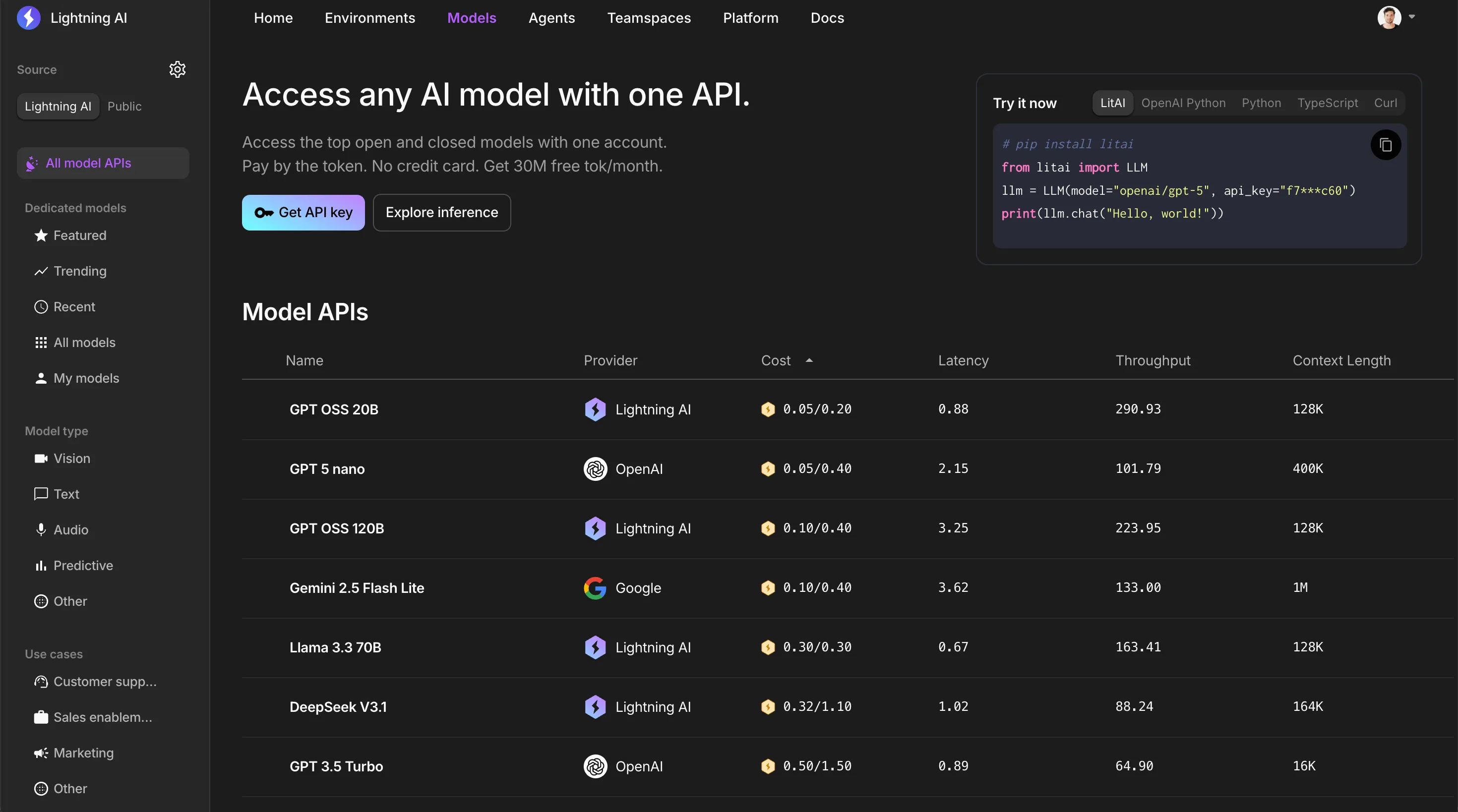
| Requests per minute | Tokens per minute | |
|---|---|---|
| Enterprise | 300 | Unlimited |
| Teams | 30 | 150000 |
| Pro | 20 | 120000 |
| Free | 15 | 120000 |
Connect to Claude Code
To connect to Claude Code through the Lightning Model APIs (make sure you get your API key here), update ~/.claude/settings.json
{
  "env": {
    "ANTHROPIC_BASE_URL": "https://lightning.ai/",
    "ANTHROPIC_API_KEY": "<LIGHTNING_API_KEY>",
    "ANTHROPIC_MODEL": "claude-opus-4-7",
    "CLAUDE_MODEL": "claude-opus-4-7"
  }
}
Connect to OpenCode
To connect to OpenCode through the Lightning Model APIs (make sure you get your API key here), set LIGHTNING_MODEL_API_KEY to your API key and save this config to ~/.config/opencode/opencode.json
{
  "$schema": "https://opencode.ai/config.json",
  "provider": {
    "lightning-ai": {
      "npm": "@ai-sdk/openai-compatible",
      "name": "Lightning AI",
      "options": {
        "baseURL": "https://lightning.ai/api/v1",
        "apiKey": "{env:LIGHTNING_MODEL_API_KEY}"
      },
      "models": {
        "deepseek-v4.1-flash": { "name": "DeepSeek V4.1 Flash" },
        "glm-5.3": { "name": "GLM 5.3" }
      }
    }
  },
  "model": "lightning-ai/deepseek-v4.1-flash"
}
Model keys are the exact model names from the model catalog, and model sets the default. Each model page has an OpenCode tab in the How to use section, with the config filled in and ready to copy.
Was this page helpful?
Thanks for the feedback.