
Startups
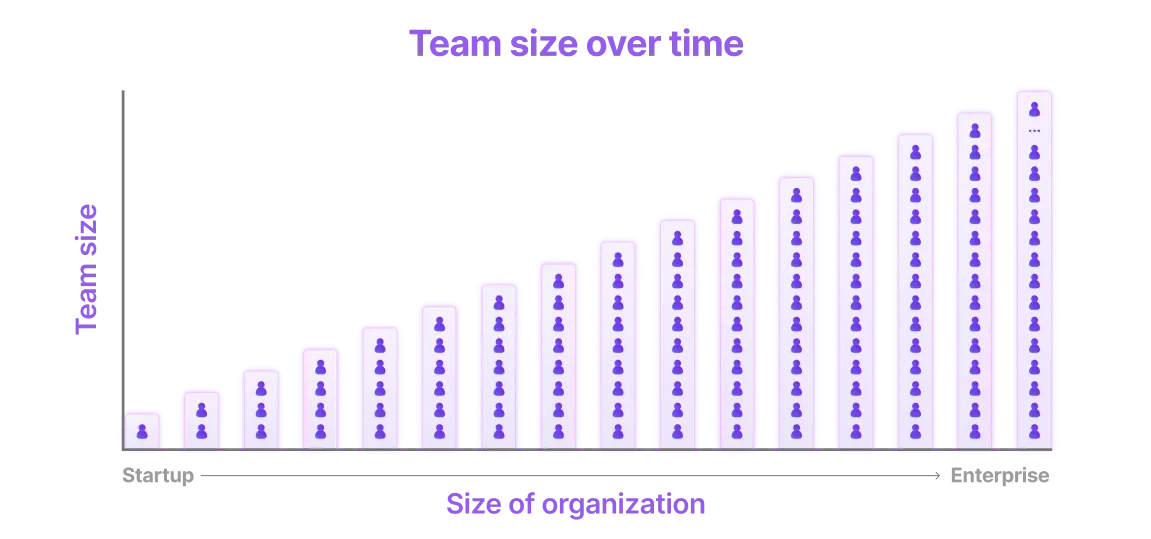
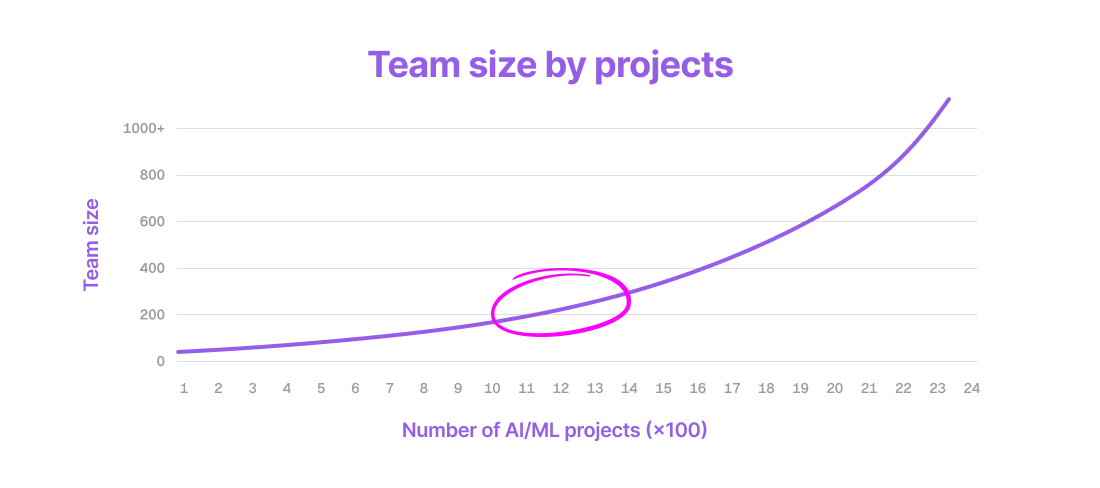
From solo innovators to large enterprises, Lightning AI grows with your startup. Invest 10 minutes to set up Lightning AI properly for your startup, so that as it scales from 1 to 1000+ people, your cloud infrastructure will scale with you and you won't have to switch platforms as the team grows.
First time set up
It takes <10 minutes to set up a new organization and invite all team members.
Create an organization
There is no cost to create a new organization.
To create an organization, navigate to the top left of the screen and click the title on the top left. Then, click "New Organization":
Create an organization by clicking on the name or title at the top of the left-hand sidebar.
Add organization admins
Invite the members who will manage the organization. Organization admins have elevated permissions to manage members, cloud accounts, budgets and more.
Invite members and make them admins to allow them access to additional permissions.
Add organization members
Invite all colleagues to the organization as members. Each member automatically gets their own teamspace.
Added members automatically get their own teamspace.
Add cloud account (optional)
Your organization comes with the default, secure cloud account. Connect a private cloud account for organizations who want to use their own AWS credits or run on their private cloud infrastructure.
Add your AWS account.
Adding your own cloud account allows the organization to consume your own cloud credits and run on private infrastructure.
Unlock more features
It's free to get started with Lightning AI organizations. Pay as you go while you prototype and get projects started. As projects mature or you need advanced functionality, unlock new features by upgrading to different tiers. Compare advanced features here.
Creating an organization is free. Upgrade to fit your needs.
If you have any questions, contact us directly or write to us on our Discord.
Advantages
Setting up your startup on Lightning AI offers many advantages. This is a (non-exhaustive) list.
Zero infra setup
Get started in minutes. No need to have expensive dev ops resources or dedicated cloud teams. ML engineers and developers can start Studios without messing with docker, kubernetes, AWS or any other cloud headaches.
Scales with you
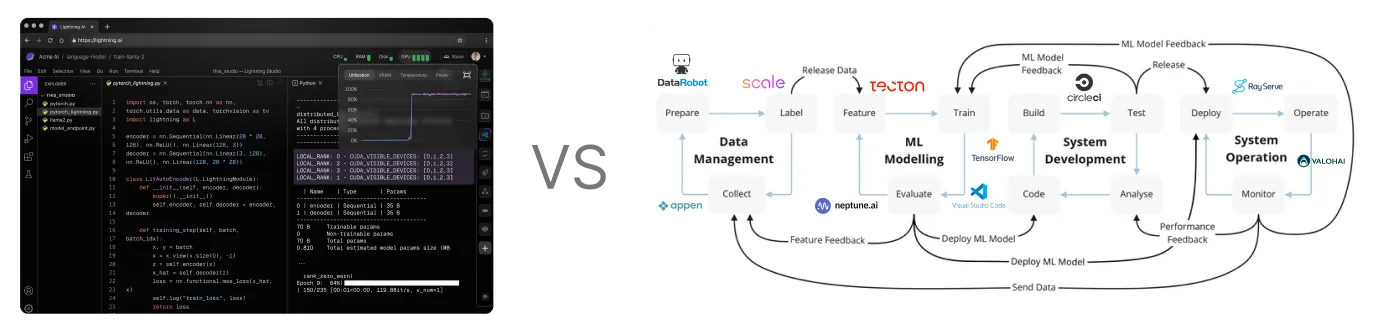
As your AI uses mature and the team scales, you'll outgrow your current stack. Lightning AI scales all the way from 1 person to 10,000 people. From one project to thousands of projects. Lightning AI is used by individuals all the way to fortune 100 companies with thousands for collaborators in a single organization.
Full control
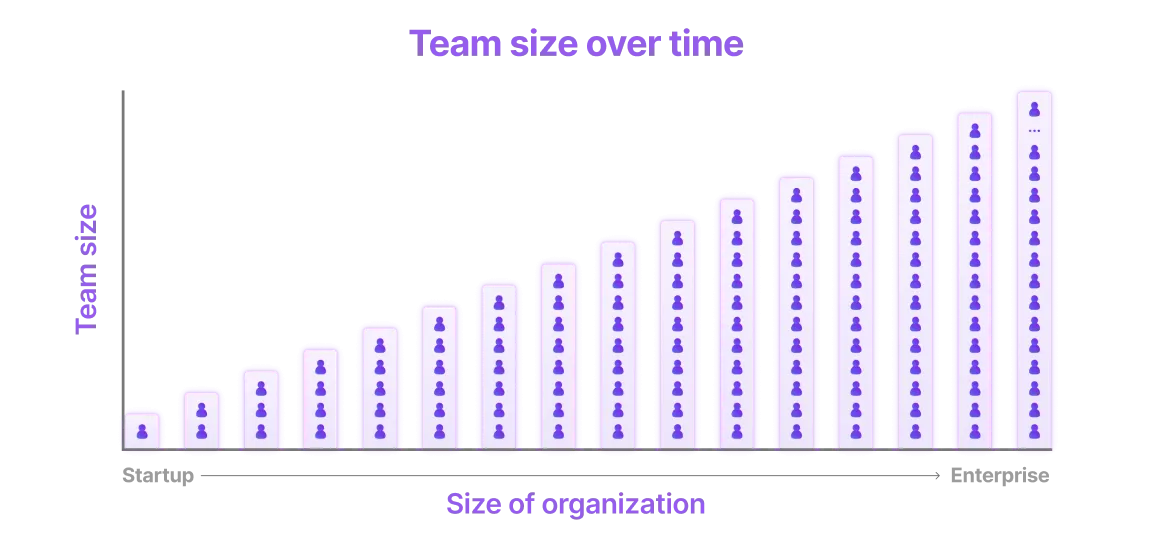
AI solutions range from offering out of the box APIs you can't control or hack all the way to full DYI systems where the AI engineering turns into cloud infra. Lightning AI gives a nice in-between where users can still get those out of the box APIs, but graduate to more control once they want to increase performance, have more flexibility and manage their SLA.

Use your startup cloud credits
Connect your cloud account to Lightning AI (in < 5 minutes) to start using your cloud credits. With our environment management system, auto sleep and advanced internal features, lightning users tend to get more compute for their credits.
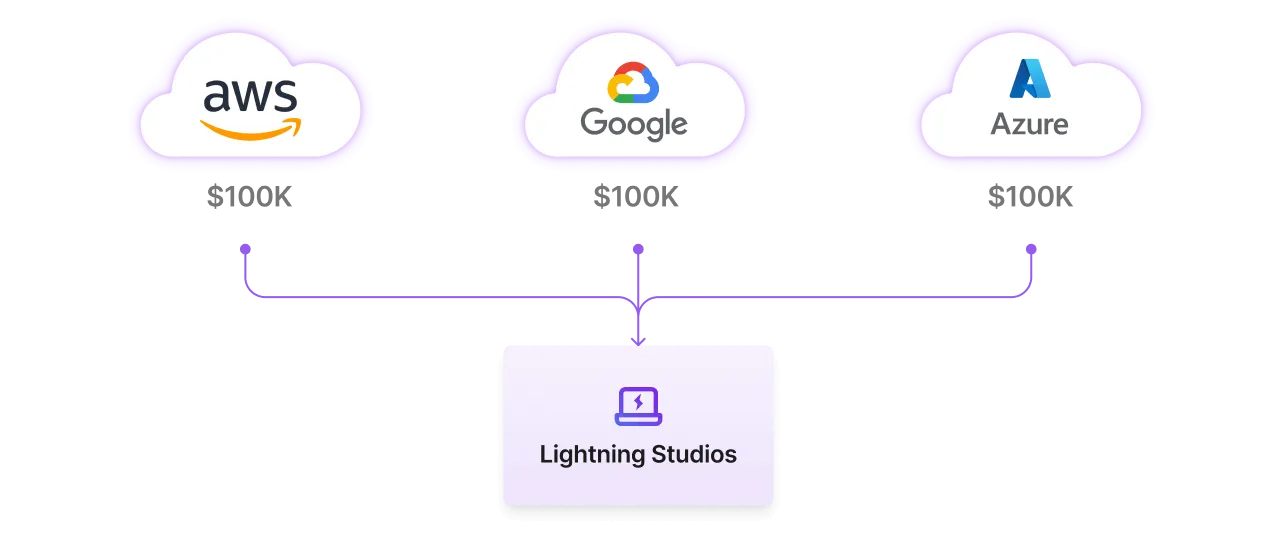
Fewer failures, environment setup times and the right tooling means that you can iterate on ideas faster without wasting cycles on technical failures.
Jumpstart from templates
Lightning AI's public templates offers self-composed modules you can duplicate in seconds and add bootstrap new projects or extend current projects. For example, we have templates that scrape datasets at scale, process and optimize data and even pretrain or finetune models.
Jumpstart your work by duplicating Studio templates.
Pay as you go
Pay only for what you use by the second. Pay $0 when nothing is running. Studios auto-sleep when idle and start up with the full environment in seconds.
Have one free running CPU Studio at a time. Pay for more compute as you need it.
Code together
Studios allow multiple developers from anywhere in the world to work on the same environment, code and debug together. This is normally unsafe to do on a personal laptop or devserver.
Collaborate in real-time, securely.
Organize work
Use these recommendations to structure work inside an organization.
One teamspace per use case
Set up a teamspace per use case. This is normally done by organization members as new use cases come up.
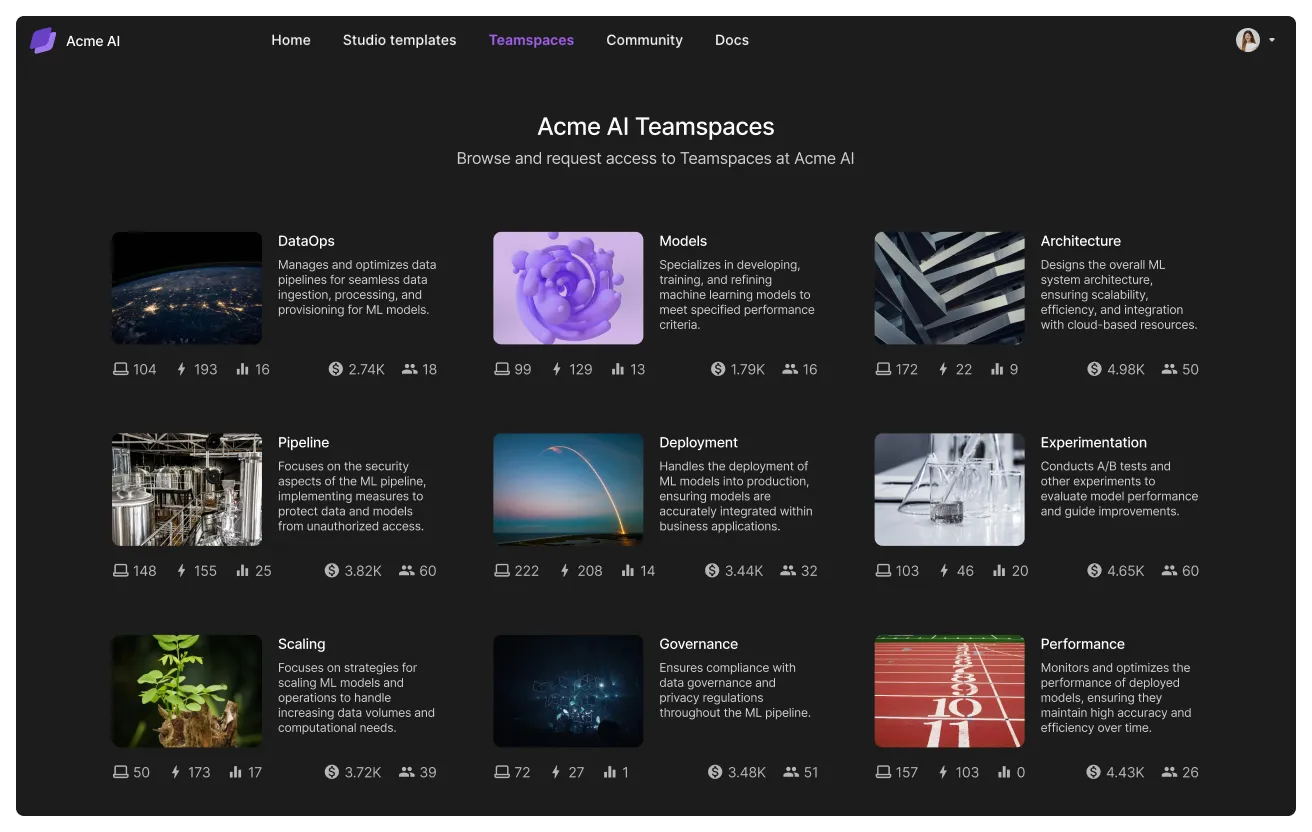
A teamspace isolates data access to a group of people under a business goal. Each teamspace will group Studios and data related to a use case. For example if the project is to build a fraud detection system, the teamspace will be "fraud detection" and the Studios in the teamspace will be different tasks (train model, finetune, deploy, etc...).
Create a new teamspace for each use case you have at your organization.
One Studio per task
Organization members will create multiple studios inside a teamspace. Each Studio should be isolated to one task with a stand-alone cloud environment.
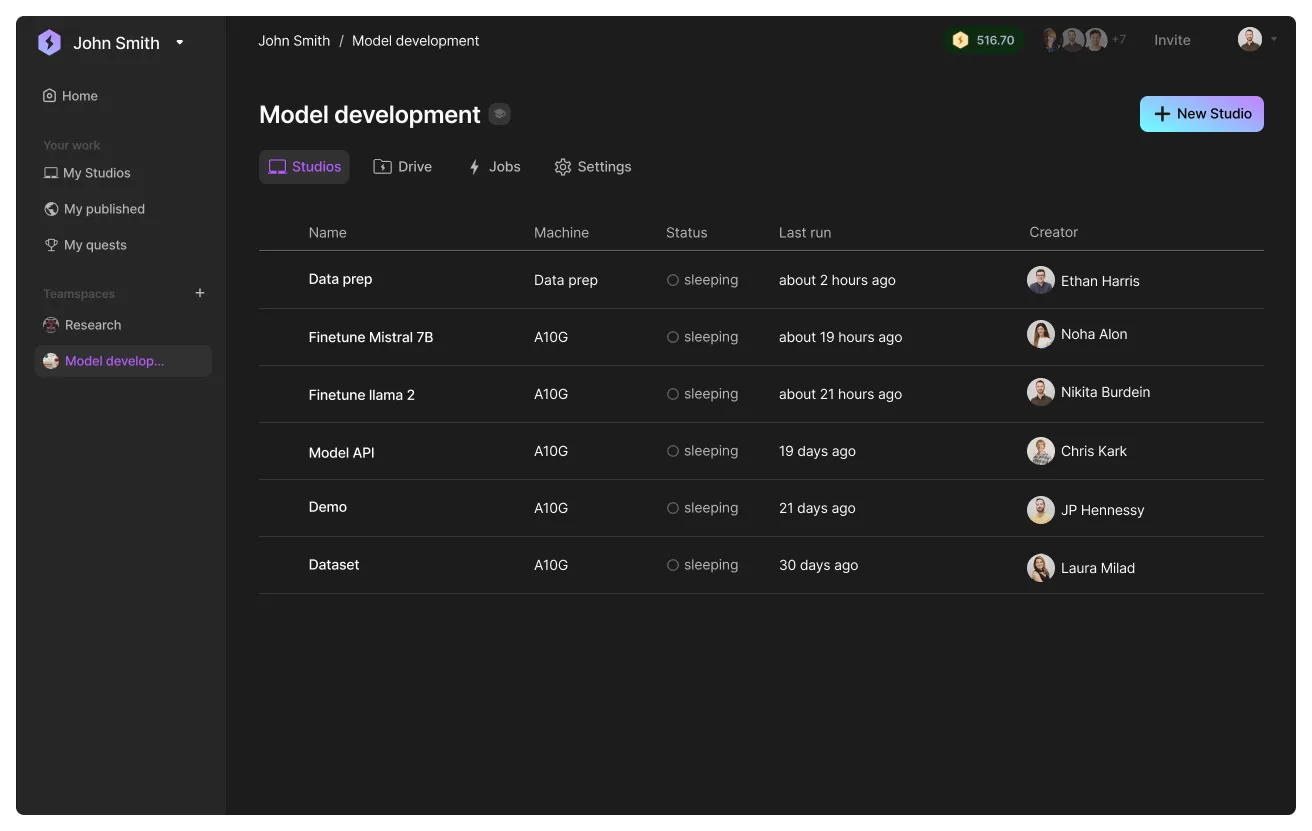
All studios can access the same files in the teamspace, so you can create a dataset on one Studio and access it from a second Studio.
Access dataset across Studios within the teamspace.
Create Studio templates
A way to share work across the organization is to publish Studios to the internal library. Organization members can duplicate these Studios into different teamspaces.
Create studio templates for your startup to duplicate.
Lightning AI set up by stage
This section describes our recommendations of how to structure Lightning AI by company or team size stage.
Idea phase
In this phase, your main goal is to launch a product and win users' hearts quickly. Win users instead of spending eight+ months building AI infrastructure.
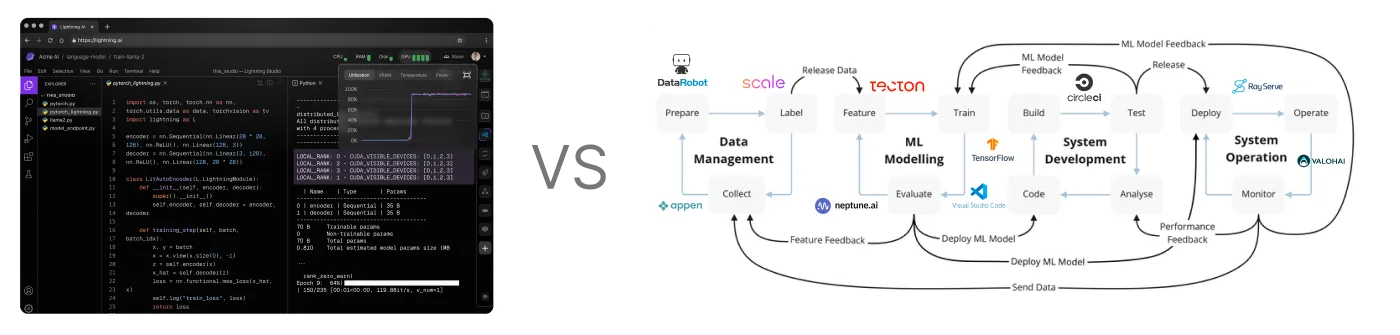
Read our in-depth guide for the idea phase.
Early stage
If you're part of an early-stage startup with some users, customers, and funding, this guide is for you. Before proceeding, ensure you've achieved these milestones; otherwise, consider our guidance in the idea phase.
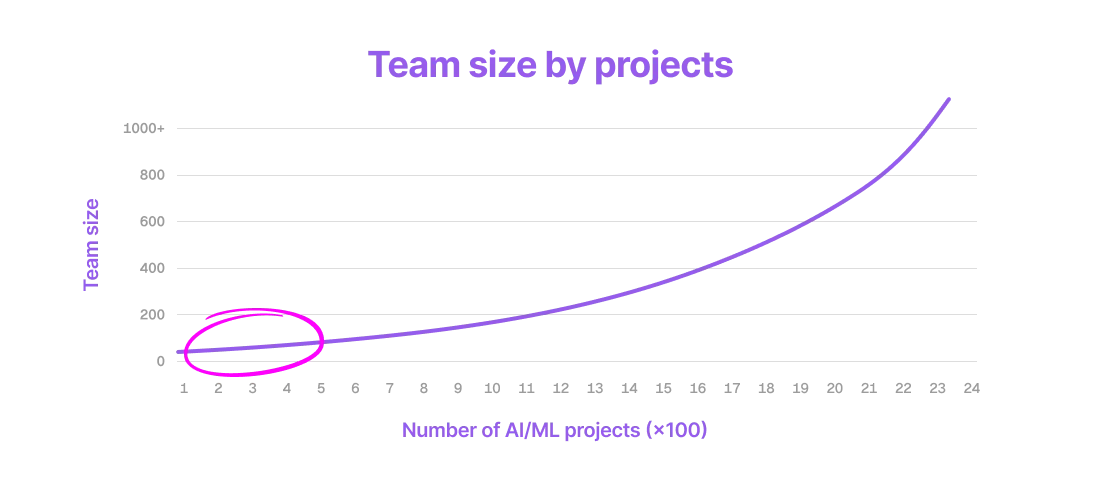
Read our in-depth guide for the idea phase.
Growth
As a growth startup, you're likely supporting heavy workloads that require high-performance infrastructure. If you don't yet have this, stop reading and use the setup we recommend to early stage companies.
Read our in-depth guide for the idea phase.
Was this page helpful?
Thanks for the feedback.