
The work project
Lightning AI is perfect for professional projects, whether it is a side hustle or a project at work. Start for free on a personal teamspace. When you need certain enterprise features, upgrade to unlock that additional capability.
First time set up
Use these steps to set up Lightning AI for work projects that allow expanding as projects mature and more team members get involved.
Create an organization
For a work project, we recommend to create an organization and start with a single teamspace. This allows you to invite more colleagues as the project matures or you kick of more projects. There is no cost to set up an organization and invite colleagues.
Create a new organization and your first teamspace is automatically generated.
Read more about organizations.
Create a teamspace
Set up a teamspace for the project. Inside that teamspace you'll create one Studio per task of that project. For example if the project is to build a fraud detection system, the teamspace will be "fraud detection" and the Studios in the teamspace will be different tasks (train model, finetune, deploy, etc.).
Set up your teamspace for a project and create separate Studios for each task of that project.
Add team members
Invite all collaborators to the teamspace as members. Members will also be added to the organization where they will get a personal teamspace.
Invite collaborators to the teamspace. Each will get a personal teamspace within the org.
Add cloud account (optional)
Use your own AWS account to consume your own AWS credits, and run on a private VPC for data and code privacy.
Connect your own AWS account.
Organize more projects
Use these recommendations to scale up to more projects.
One teamspace per project
Set up a teamspace per project (or use case). Inside that teamspace you'll create one Studio per task of that project. For example if the project is to build a fraud detection system, the teamspace will be "fraud detection" and the Studios in the teamspace will be different tasks (train model, finetune, deploy, etc...).
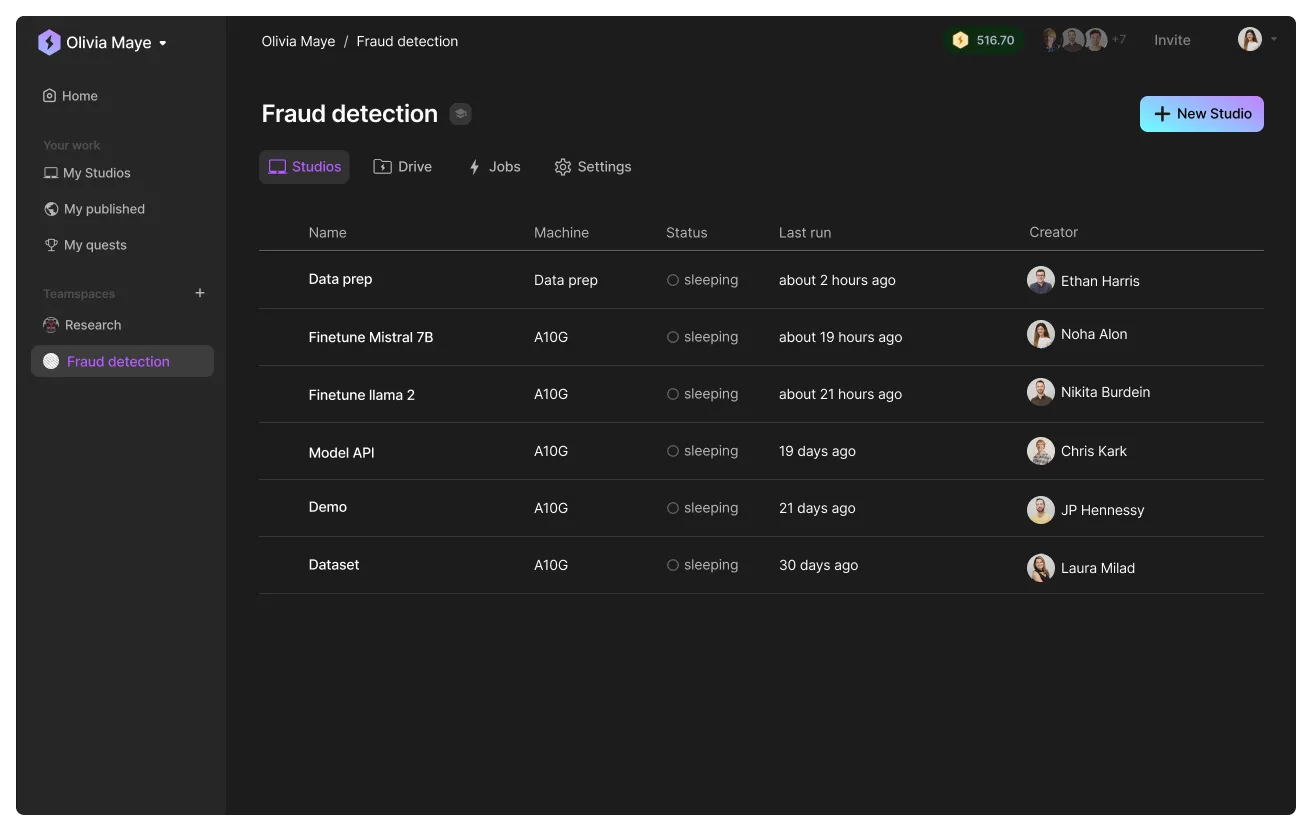
One Studio per task
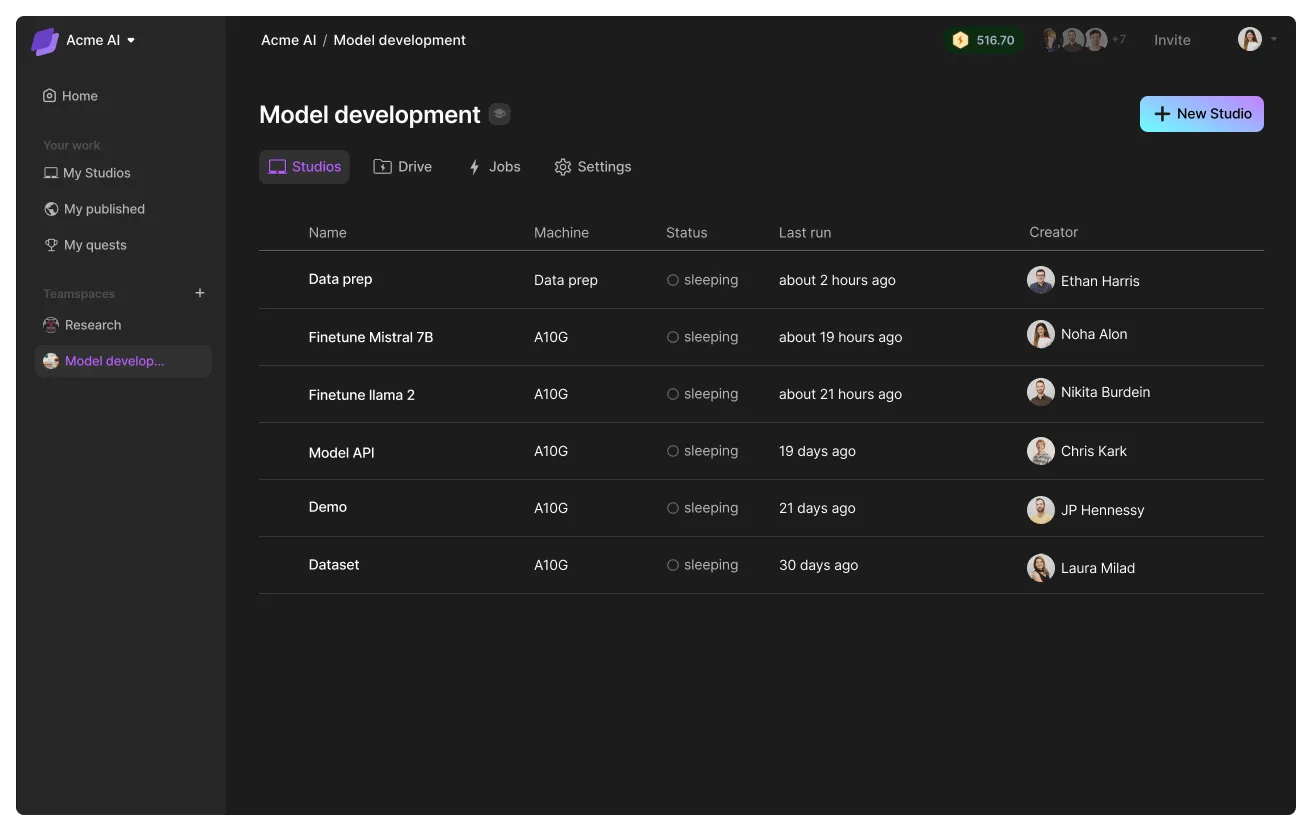
A teamspace has multiple studios that share the same file system. Create a Studio for every task such that it has its own environment, dependencies, packages, etc... All studios can access the same files in the teamspace, so you can create a dataset on one Studio and access it from a second Studio.
Was this page helpful?
Thanks for the feedback.